The AI that
controls your
.
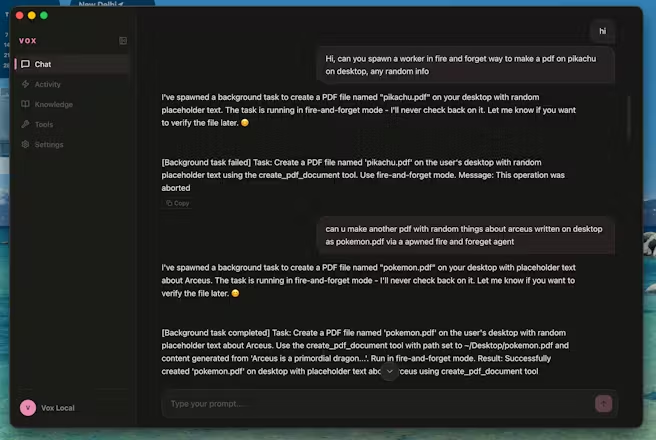
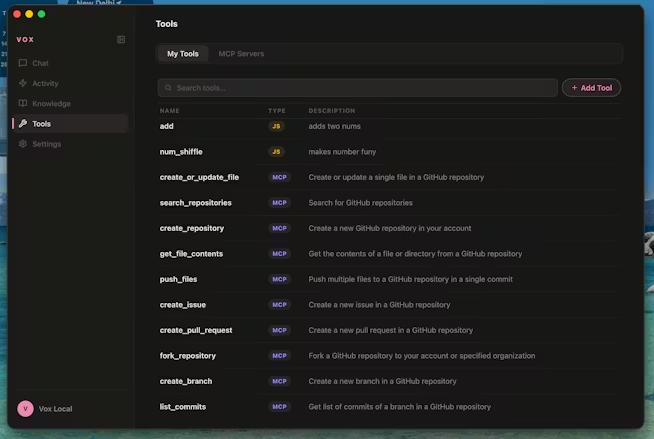
Voice-first. Fully local. 48 tools that read your email, move files, send messages, and control your screen — without sending a single byte to the cloud.

Three .
Zero cost
No subscription. No API keys. No usage limits. The models run on your machine.
Zero data uploaded
Your conversations, files, emails, and screen content never leave your Mac.
Zero wait to start
No account. No login. Download, grant permissions, talk. Under 3 minutes.
Say it.
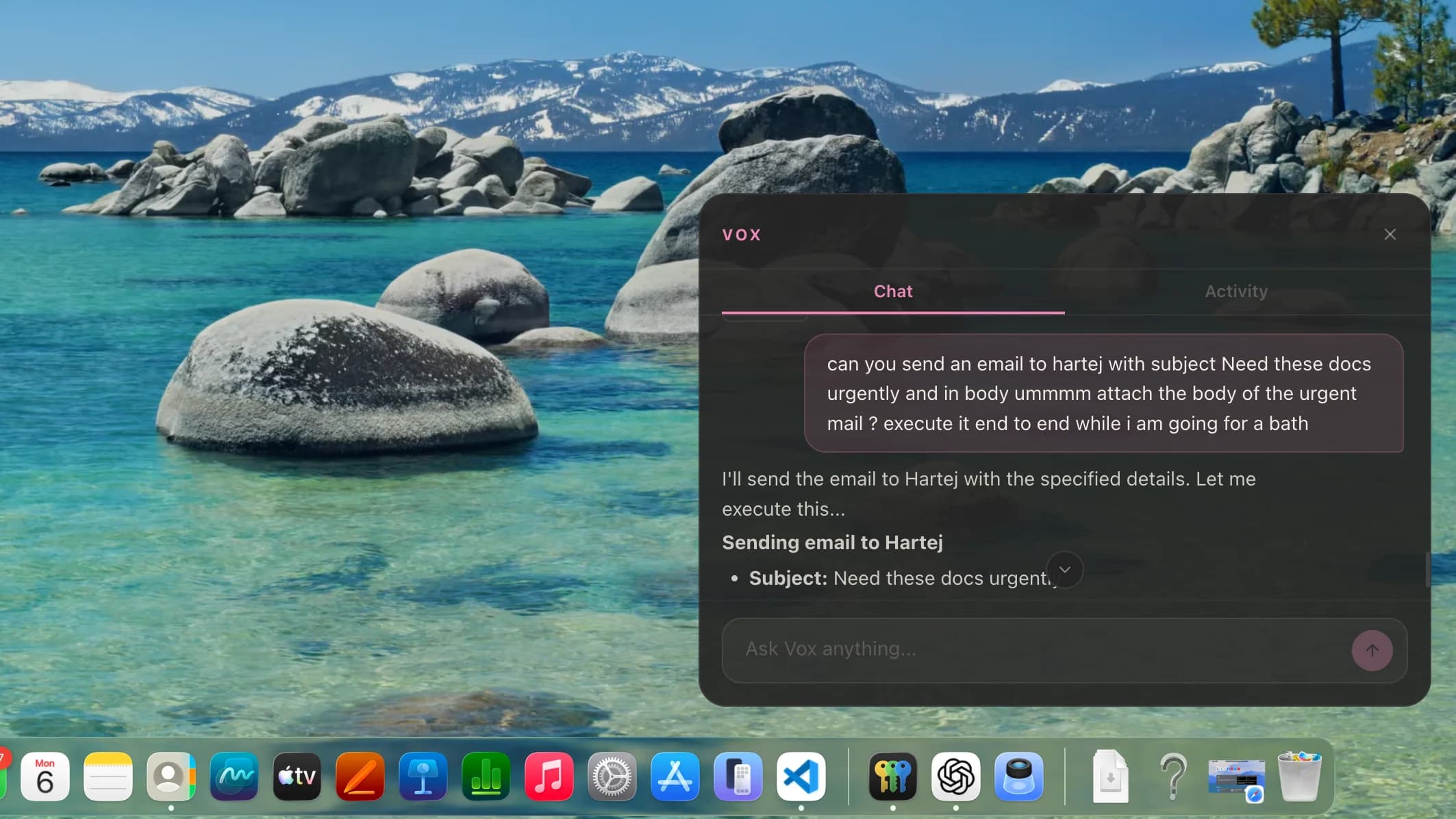
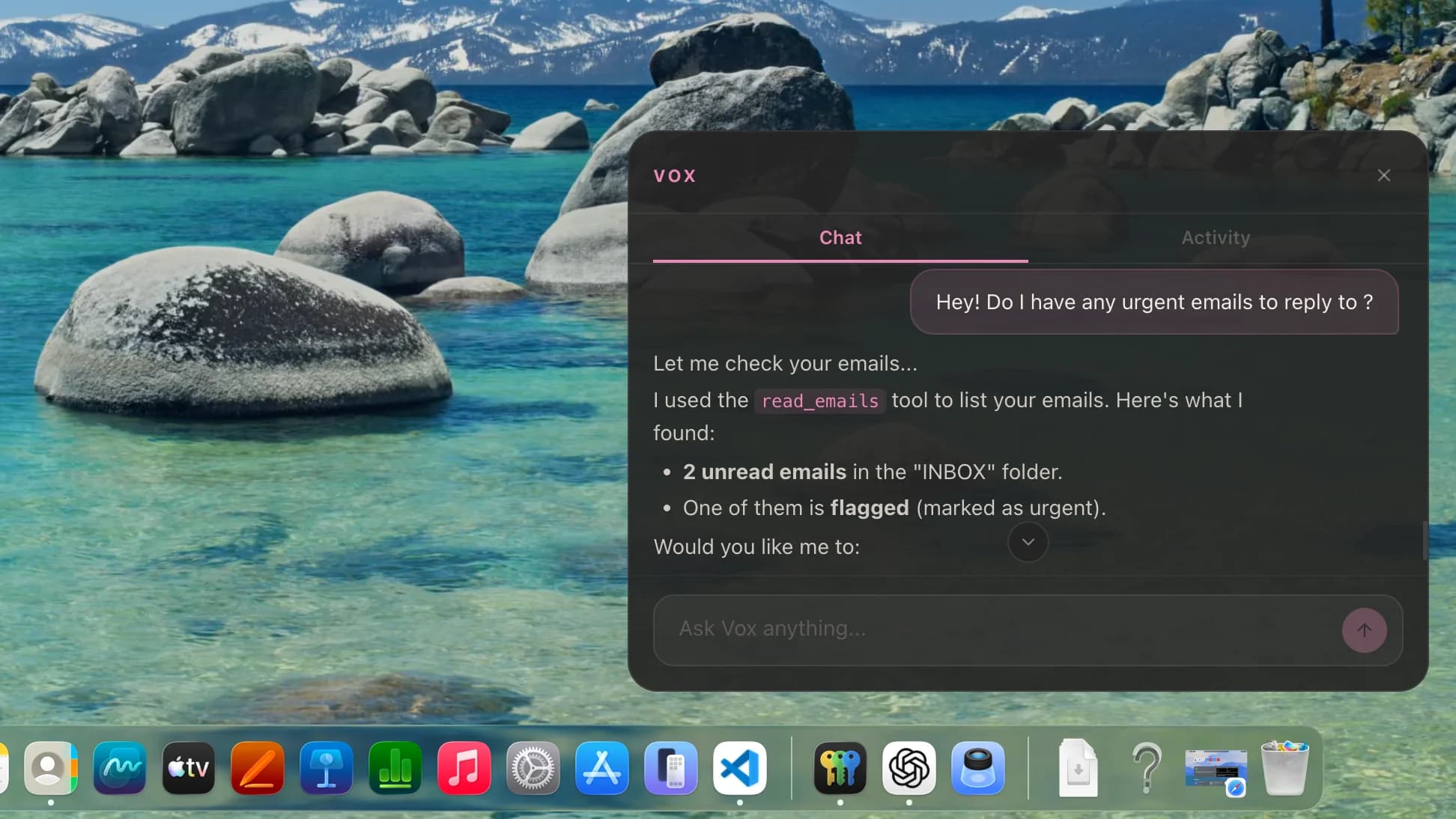
Full Mail.app integration
Vox reads your inbox through Apple’s native APIs. Read, search, summarize, draft replies, and send emails. All processing happens locally through macOS Mail.
Not another
.
| Feature | Vox | ChatGPT | Siri | Jan.ai |
|---|---|---|---|---|
| Runs 100% locally | Yes | No | No | Yes |
| Controls Mac apps | Yes | No | Limited | No |
| Reads email natively | Yes | No | Limited | No |
| Sends iMessages | Yes | No | Yes | No |
| File system control | Yes | No | No | No |
| Screen awareness | Yes | No | No | No |
| Voice with wake word | Yes | No | Yes | No |
| Multi-step agents | Yes | Yes | No | No |
| Free forever | Yes | No | Yes | Yes |
| Open source (MIT) | Yes | No | No | Yes |
Ready in
.
Download
One .dmg file, ~2.5 GB. Models included — nothing else to install.
Permissions
Grant Accessibility, Mail, and Screen access. Standard macOS prompts.
Talk
Say “computer” or press &option; + Space. That's it.
Your data
.
SQLite, not cloud DB
All conversations and settings stored locally. You can read, export, and delete them. Your data is a file on your disk.
No accounts
No sign-up. No login. No auth server. Vox doesn't know who you are. There's no user system to breach.
No phone home
No analytics. No crash reports. No update pings. Disconnect your internet — Vox works exactly the same.
Extend
.
Custom Skills
Write JavaScript skills that Vox can invoke. Access the full tool system, file APIs, and LLM.
export default {
  name: 'deploy',
  description: 'Deploy to production',
  async execute({ tools }) {
    await tools.shell('npm run build')
    await tools.shell('npm run deploy')
    return 'Deployed successfully'
  }
}
MCP Servers
Connect any Model Context Protocol server. Databases, APIs, custom integrations.
{
  "name": "my-api",
  "command": "node",
  "args": ["./server.js"],
  "env": { "PORT": "3001" }
}
Scheduled Tasks
Set up recurring tasks — "every morning at 9am, check my email and summarize it." Cron-style scheduling with natural language.
11 Packages
Voice, storage, tools, parser, indexing, scheduler, channels, integrations, MCP, skills, UI — modular architecture you can inspect and extend.
What it .